
Mac
Upscale photos on your Mac, offline.
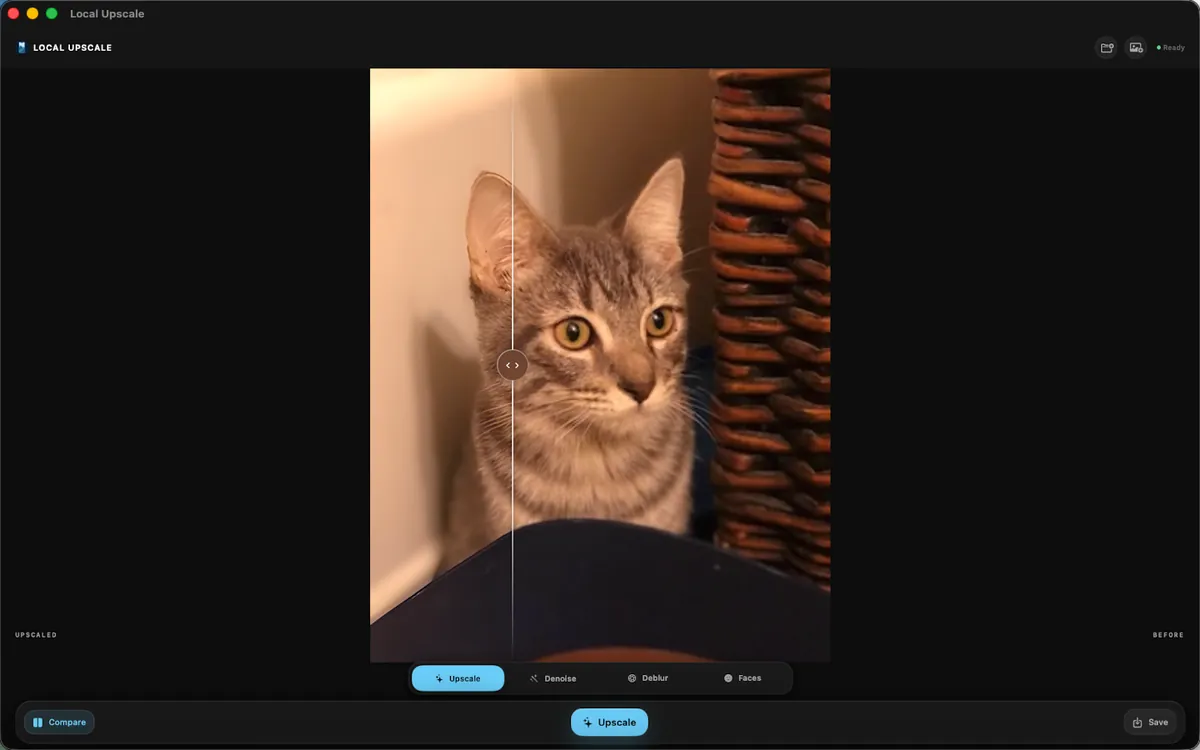
Local Photo Upscaler runs on Macs with Apple silicon. Open a photo, enhance it on the Mac itself, compare, and save. Same App Store listing as the iPhone and iPad app.
Requirements
- A Mac with Apple M1 or later
- macOS 15.2 or later
- About 278.4 MB of storage
Intel Macs are not supported. The listing is shared with iPhone and iPad, so there is no separate Mac purchase.
What is the same, and what is different
The Mac version has the same four modes (Upscale, Denoise, Sharpen, Faces), the same comparison slider, and the same limits, including the roughly 17-megapixel output cap. On Mac you can open image files as well as choosing from Photos. Like the iPhone app, it processes one photo at a time.
Mac alternatives worth knowing
If you already use a full editor, Pixelmator Pro ($49.99 once on the Mac App Store) and Photomator include on-device Super Resolution. Topaz Gigapixel ($149 a year) is the heavier tool for big prints and batches. See the comparison for sources.
Local Photo Upscaler
Private upscaling on the Mac you already have.
Enhance photos on your own iPhone, iPad, or Mac. $9.99 once on the U.S. App Store. No subscription, no in-app purchases, no ads.