Prices and requirements checked November 10, 2026 against Apple’s US listings. Other storefronts may differ. Apple shows your price and device compatibility before purchase.
Look before you buy
Actual output. Visible limits.
These comparisons reuse published app results. They show what happened to these prepared samples; your results depend on your source.
01 / PHOTO
A small picture, with room to grow.
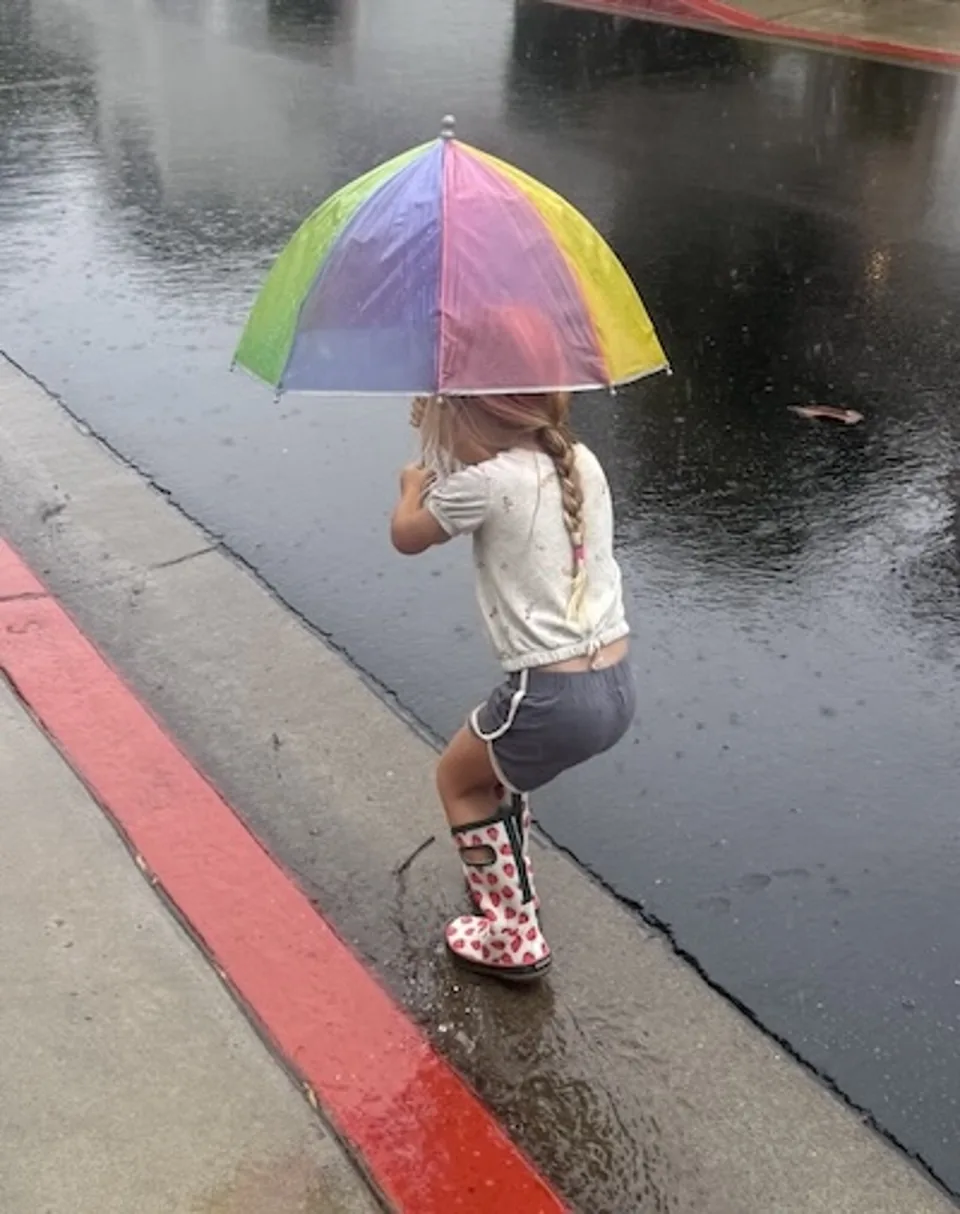
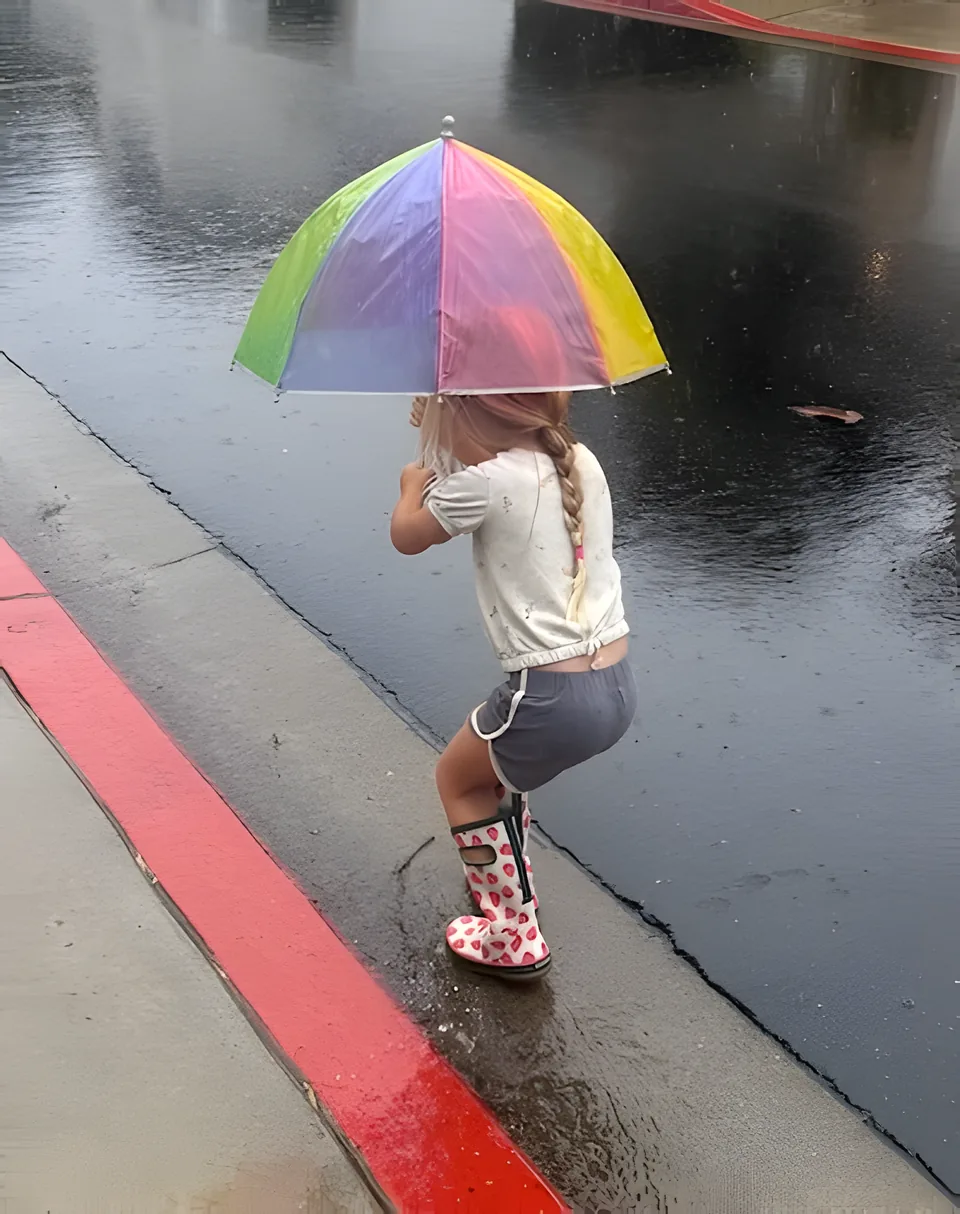
This 400 × 506 sample became 1600 × 2024 through the Photo app’s processing code. Both sides show the same view.
AI estimates missing detail. Check faces, text, and texture closely; it cannot turn severe blur into a faithful original.
Published sample photo and app output. Upscale mode, 4× width and height. Results depend on the source photo.
02 / VIDEO
The same clip, in motion.
A prepared 360p film sample, then the actual Natural 4× app output. The continuous excerpt plays at its original speed; the identical close-up starts at two seconds.
Processed in desktop Simulator using Local Video Upscaler 1.0.1 (6). This shows output quality, not processing speed on your iPhone.
Photo requires iOS/iPadOS 18.2 or later. Video requires iOS/iPadOS 26 or later. To use both on the same iPhone or iPad, you need 26 or later.
Buying on a Mac
Apple lists the bundle for iPhone, iPad and Mac; its Mac compatibility is macOS 26.0 or later. Get the bundle on the Mac App Store. Each app is a universal purchase, so one purchase covers your iPhone, iPad and Mac. On a Mac, Photo needs macOS 15.2+ and Apple M1 or later, and Video needs macOS 26+, so the bundle needs an Apple silicon Mac on macOS 26 or later. Check Photo’s Mac listing and Video’s Mac listing for your Mac. Apple shows compatibility for your Mac before purchase. Photo on Mac · Video on Mac
Processing stays in the apps
Both work offline with no media uploads or account. Results are saved as new copies. The websites use their existing analytics; app privacy and website analytics are separate.
Before choosing the pair
Which purchase fits your files?
Is Photo + Video one app?
No. Local Upscaler: Photo + Video is an App Store bundle of two separate paid apps by David Balderston: Local Photo Upscaler for still images and Local Video Upscaler for clips. Each keeps its own tools and operating-system requirements.
Should I buy the bundle or just Photo?
Choose Photo for still images and print-size preparation. Choose Video for low-resolution moving clips. If you will use both, compare the bundle’s current Apple price with the two separate prices. Buying both is unnecessary for a still-photo-only task.
Does the bundle have a subscription?
No. The US bundle listing is $14.99 once; each app is $9.99 separately. Local storefront prices can differ. Apple shows your actual purchase or eligible completion price before payment.
Will both run on my iPhone or iPad?
You need iOS/iPadOS 26 or later to use both. Photo alone supports iOS/iPadOS 18.2 or later. A device that runs Photo may not run Video. Check each Apple compatibility section.
Does buying the pair guarantee better restoration?
No. The bundle combines the two apps; it does not add a third processing engine or bypass their limits. Neither app can reliably reconstruct missing original detail, and Video is not a tape scanner or a full editor.