Deblur
Unblur photos on iPhone without uploading them.
A soft photo does not always need a cloud editor. Local Upscale lets you run a focused deblur pass on your iPhone or iPad, compare the result, and save only when the clearer version is worth keeping.
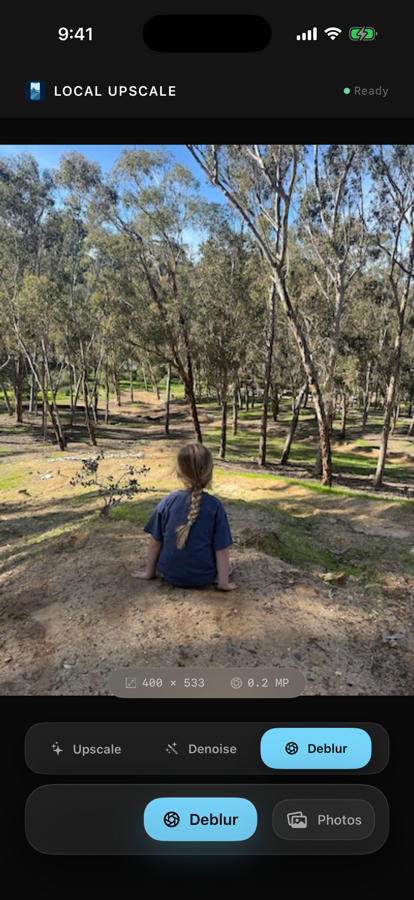
When deblur is the right mode
Use deblur when a photo is soft, lightly out of focus, or missing crisp edge detail. For grainy photos, denoise is usually the better first pass. For tiny or low-resolution images, start with 4x upscale.
A private iPhone workflow
- Choose the photo you want to improve.
- Select deblur when softness is the main issue.
- Run the enhancement locally on your device.
- Compare the before and after result.
- Save a new image back to Photos only if the result helps.
Local Upscale is designed around on-device processing. It does not require an account, does not show ads, and does not run a photo-processing server for your images.
Where it helps most
Deblur is useful for family snapshots, saved downloads, older phone photos, small product images, screenshots, and reference photos where you want a clearer version without starting another subscription. For scanned prints and inherited photos, start with the old-photo restoration guide.