Screenshots
Unblur a screenshot on iPhone without uploading it.
Screenshots can get soft after being cropped, saved, sent through chat apps, or pulled from older devices. Local Upscale gives you a private way to try deblur or upscale before you decide whether the result is useful.
Start with the right expectation
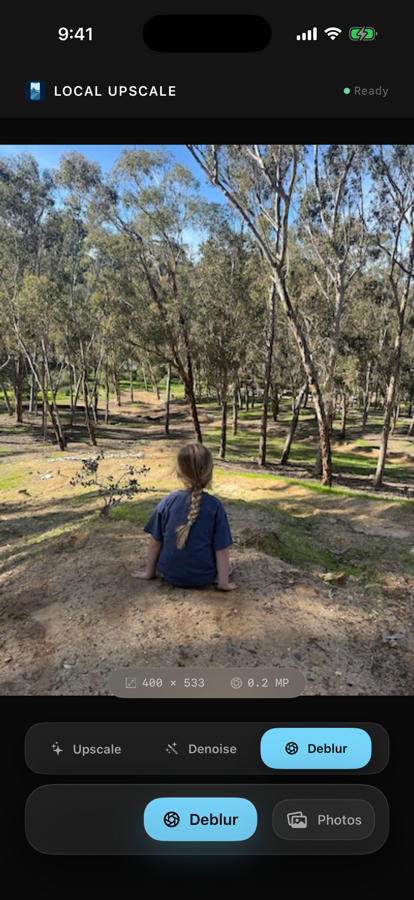
A deblur tool can sharpen edges and make a soft screenshot easier to read, but it cannot recover detail that was never captured. Very tiny text, heavy compression, or motion blur may still be unreadable.
Try this workflow
- Choose the screenshot from Photos.
- Try deblur if the screenshot is soft.
- Try 4x upscale if the screenshot is small.
- Compare before and after at the same zoom level.
- Save a new copy only if it is easier to read or share.
Why use Local Upscale for screenshots?
Screenshots can include messages, receipts, account pages, notes, or work material. Local processing keeps that simple: no account, no ad-supported upload flow, and no photo-processing server for the selected image.
If the screenshot is both small and soft, try upscale first, then compare whether deblur gives a better copy for the part you care about.