Privacy
Offline AI photo upscaling, without sending the photo away.
Local Upscale is for the moments when an online photo enhancer feels like the wrong tool: family photos, documents, private screenshots, client work, or anything else you do not want to upload to a server.
Why no-upload photo enhancement matters
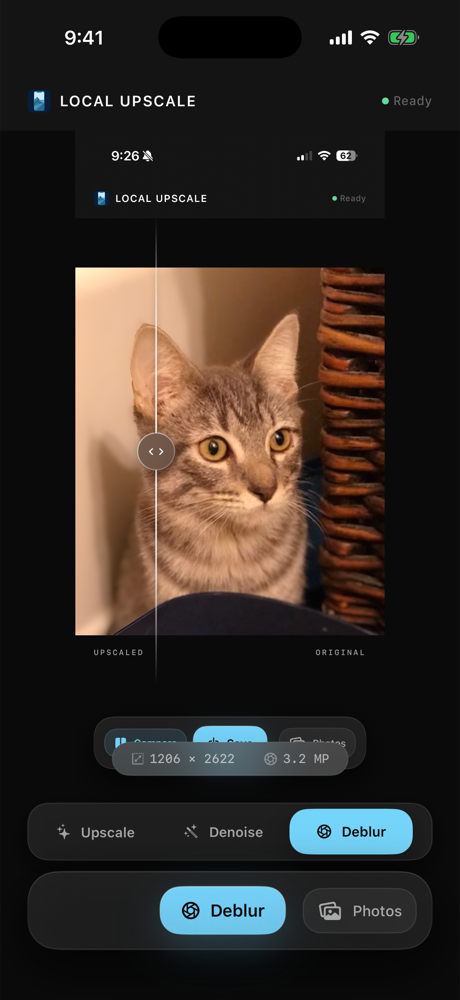
Many AI photo enhancers work by uploading an image to remote infrastructure. That can be useful for broad creative editing, but it adds a privacy tradeoff and a network dependency. Local Upscale is built around the opposite model: select a photo, process it locally, compare the result, and save only when you choose.
There is no account, no advertising SDK, no tracking, and no photo-processing backend. The value is simple: private image enhancement on iPhone and iPad.
What it can improve
- Low-resolution photos that need 4x upscaling.
- Grainy images that need denoise mode.
- Soft shots that need deblur mode.
- Portraits where face detail needs a clearer restoration pass.
When to choose Local Upscale
Use it when privacy, offline access, and a paid-once utility are more important than a giant cloud editing suite. It is focused on photo enhancement, not avatars, social templates, or account-based editing projects.