
Workflow
Increase image resolution on iPhone or iPad.
Local Upscale helps you make a small, soft, noisy, or low-resolution image clearer with an on-device workflow: choose a photo, pick the right enhancement, compare, then save.
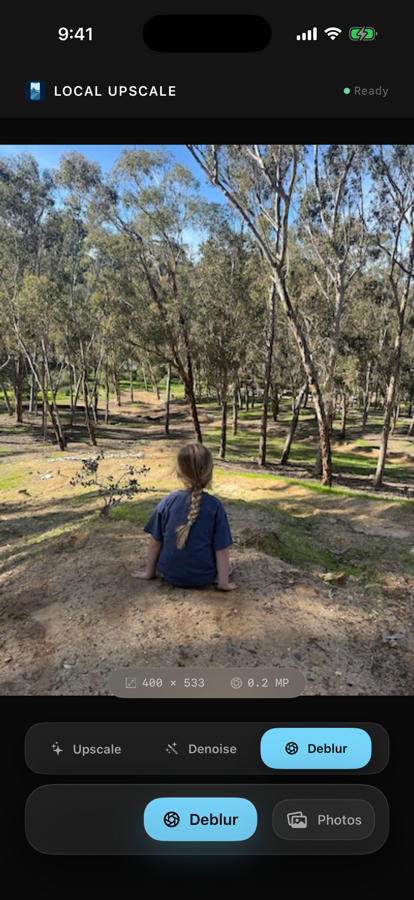
Start with the job the photo needs
- Use 4x upscale when the photo is too small or low resolution.
- Use denoise when the image is grainy or rough.
- Use deblur when the photo is soft and needs more clarity.
- Use portrait restore when a face needs a detail-focused pass.
Compare before saving
The app is designed around a simple before-after decision. You can inspect the enhanced result before saving a new image back to Photos, which keeps the original and output under your control.
No cloud queue
The enhancement pipeline runs locally on supported iPhone and iPad devices, so you can work offline and avoid uploading the image to a remote photo service.
Where this fits
Local Upscale is a practical utility for prints, old downloads, cropped images, screenshots, scans, family photos, and saved images that need a clearer version without a full desktop editing workflow.